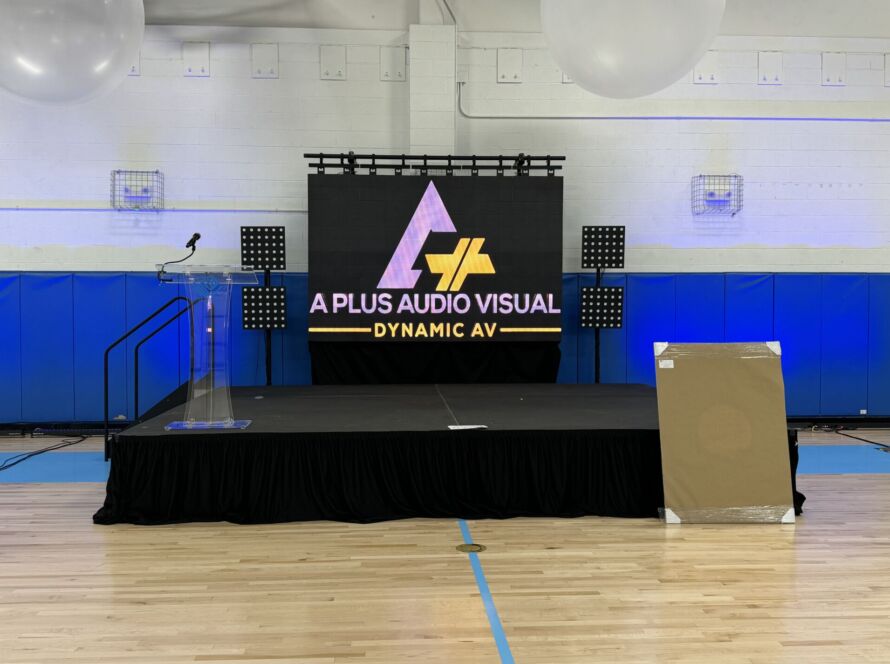
Most events don’t fail because of poor planning or lack of effort. They fail because of small audio and video mistakes that add up during the event. Sound that cuts out, screens that are too small, or lighting that doesn’t match the space can quickly distract guests and take attention away from the event itself.
The good news is that most AV issues are completely avoidable with proper preparation and the right equipment choices.
Using an Underpowered Sound System
One of the most common mistakes is choosing speakers that are too small for the audience size. When a sound system is underpowered, speakers are pushed beyond their limits, causing distortion and unclear audio—especially for speech.
This is most noticeable at weddings, ceremonies and corporate events where guests expect clear vocals. It’s always better to use a slightly more powerful system running comfortably than a small system running at maximum volume.
Choosing the Wrong Screen Size
Another frequent issue is using a screen that’s too small for the room. If guests in the back need to squint to read slides or see video content, engagement drops immediately.
Screen size should be based on viewing distance, room width and layout—not just how many people are attending. In larger rooms, dual-screen or rear-projection setups are often a better solution than a single oversized screen placed too far away.
Ignoring Ambient Light and Venue Conditions
Projectors and lighting setups are often selected without considering ambient light. Bright rooms, windows and outdoor environments require higher-lumen projectors and stronger lighting fixtures to maintain visibility.
Using a low-brightness projector in a bright room can result in washed-out images, even if the screen size is correct. The same applies to lighting—what works in a dark ballroom may be ineffective in a well-lit venue.
Poor Equipment Placement
Even high-quality equipment can fail if it’s placed incorrectly. Speakers positioned too close together, screens placed too low, or lighting aimed improperly can all reduce effectiveness.
Rear-projection or short-throw solutions are often overlooked, even though they can eliminate shadows and obstructions in high-traffic areas or on stages.
Not Planning for Transitions
Many events involve multiple segments—speeches, video playback, live performances and music. Without proper planning, transitions between these elements can cause awkward pauses or technical issues.
Using mixers, proper cabling and clearly planned signal flow helps ensure smooth transitions and keeps the event moving without distractions.
Waiting Until the Last Minute
AV issues often arise when decisions are made too late. Last-minute changes in venue layout, guest count or event format can quickly overwhelm a setup that wasn’t designed for flexibility.
Early planning allows time to adjust equipment choices and avoid compromises that affect quality.
Why Professional AV Support Matters
Professional AV planning isn’t just about renting equipment—it’s about matching the right tools to the event environment. Experienced technicians consider room acoustics, lighting conditions, audience layout and event flow to prevent problems before they happen.
This approach saves time, reduces stress and ensures a smoother experience for both organizers and guests.
Serving Events Across Connecticut
A Plus Audio Visual provides professional audio, video and lighting solutions for events throughout Connecticut, including Bridgeport, Brookfield, Danbury, Fairfield, Greenwich, New Haven, Hartford, Stamford, Madison and Waterbury. Service is also available in New York and Massachusetts for larger events and productions.
GET IN TOUCH
Avoid AV Problems Before Your Event
If you’re planning an event and want to avoid common audio and video mistakes, our team can help you design the right setup from the start. Share your venue details, audience size and event type, and we’ll help ensure everything runs smoothly.